Mocksy is live

Design polished screens from rough ideas.

Prompt, sketch, or upload references. Mocksy turns them into editable product screens and exportable code.

app.usemocksy.com
Chat to Design
No blank canvas

Start with intent, not empty frames.

On-brand by default

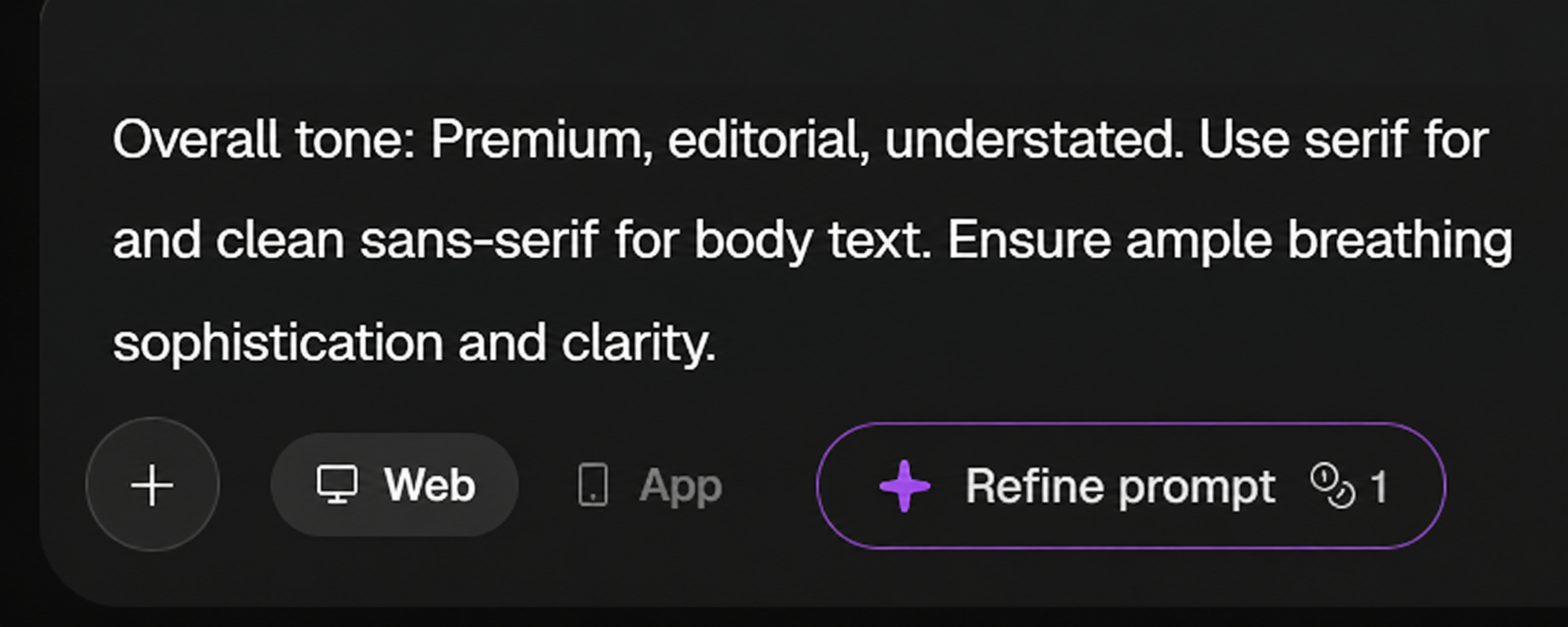
Use moodboards, colors, type, and references as direction.

Ready to refine

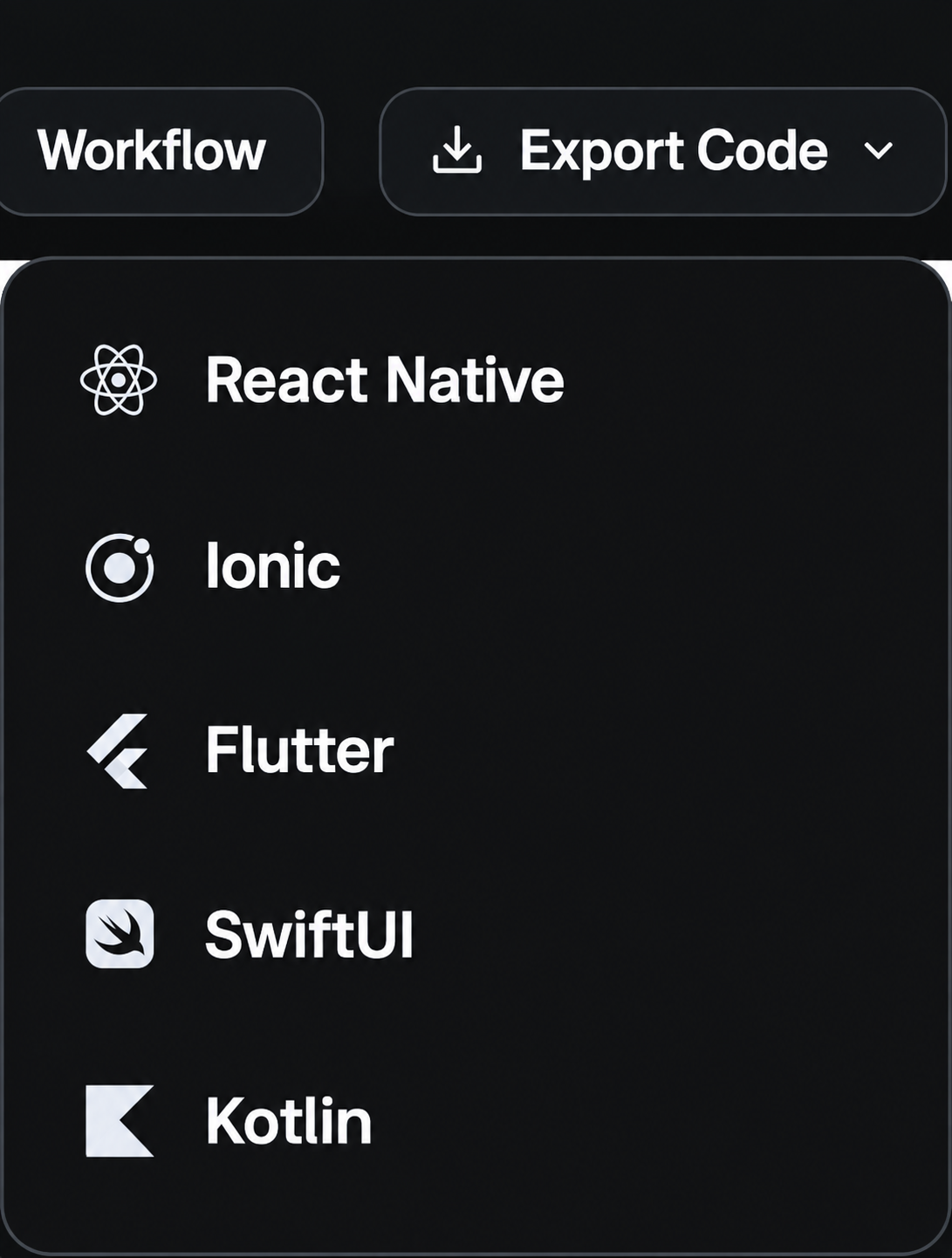
Edit visually, regenerate, create flows, and export.

Features

Less explaining. More finished screens.

Everything is designed around one outcome; getting from idea to usable UI faster.

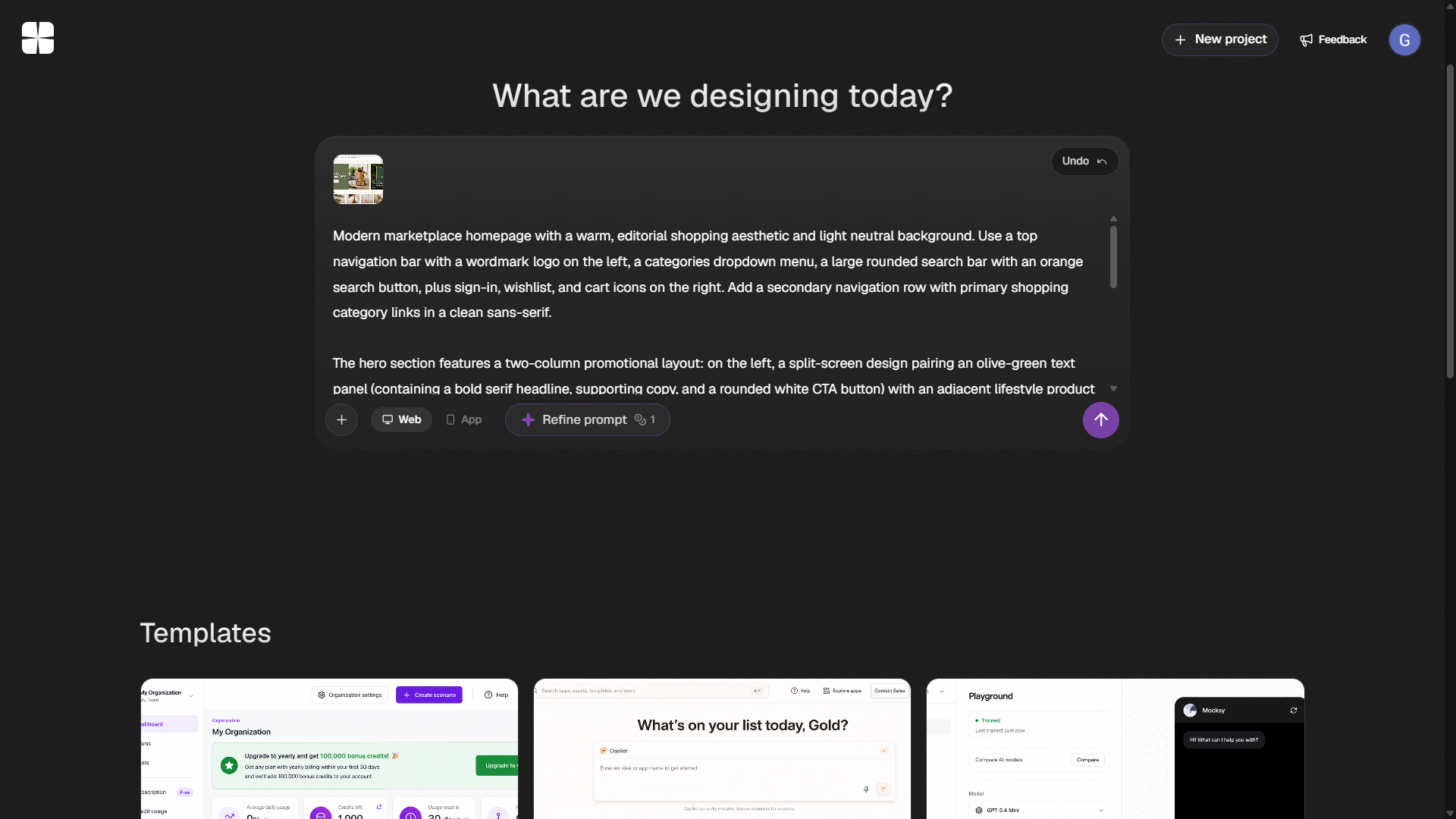
Chat to Design

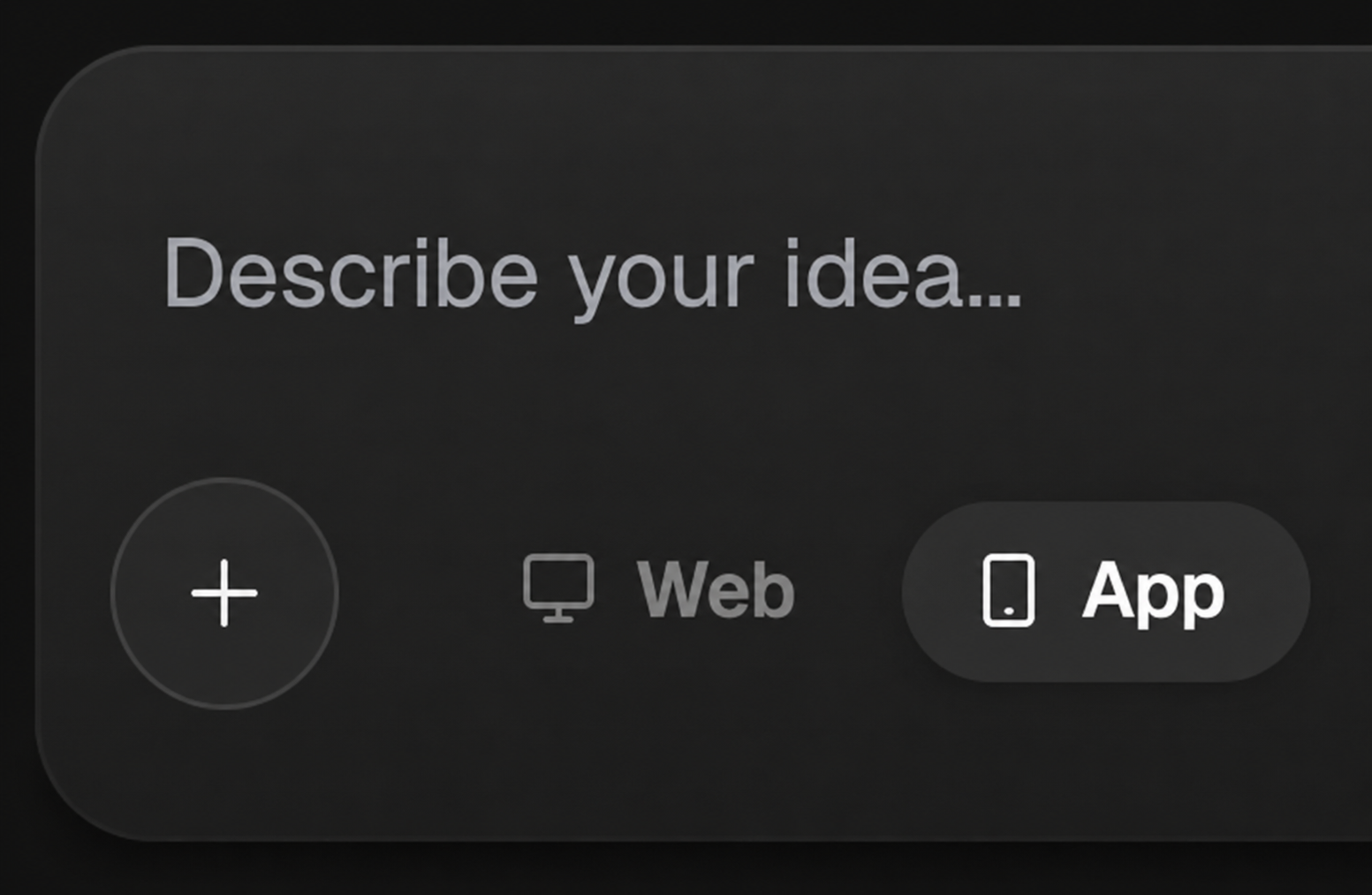
Describe your idea, approve the design setup, and generate a polished screen.

Chat to Design interface screenshot

Style Guide

Turn inspiration into colors, typography, and design direction.

Style Guide interface screenshot

Sketch to Design

Convert rough sketches into polished product screens.

Sketch to Design interface screenshot
Workflow

From thought to screen in three steps.

01

Give direction

Prompt, sketch, image, moodboard, or website.

02

Generate

Mocksy creates the first polished screen.

03

Ship forward

Refine, create flows, and export code.

Pricing

Start free. Upgrade when you need more.

Free

For trying Mocksy and creating your first screens.

$0 / month
Start free
  • Projects
  • Style guides
  • Chat to Design
  • Sketch to Design
  • HTML export

Pro

For builders creating more screens and workflows.

$20 / month
Upgrade to Pro
  • Everything in Free
  • More credits
  • Workflow generation
  • Redesign
  • React, Vue, and JS export
FAQ

A few answers.

An AI design platform for turning prompts, sketches, and references into editable product screens.
No. Mocksy helps non-designers move faster, while giving designers a quicker starting point.
HTML on Free, with React, Vue, and Vanilla JS exports available on Pro.

Turn the idea in your head into a screen you can ship.

Open Mocksy, describe what you need, and start with something visual.